Michael Willems Daily Photography Blog

Camera Needs?

Posted in Gear by Michael Willems on February 23, 2010

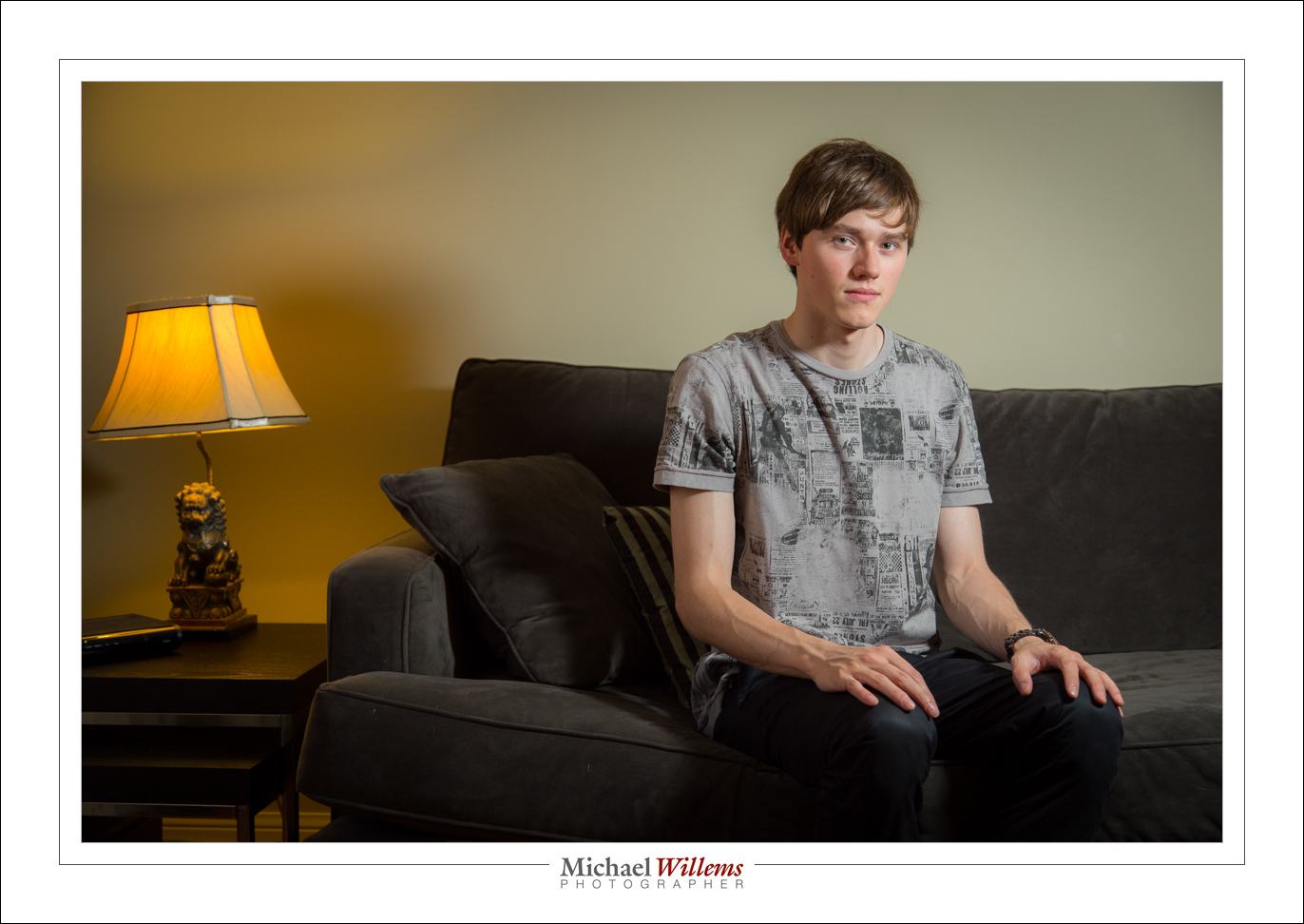
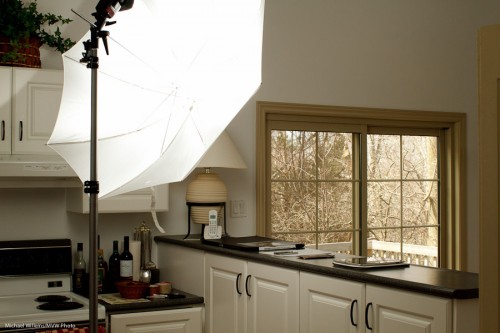
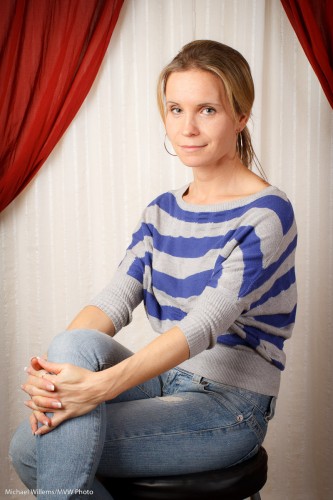
I shot a school Sunday: “Photo Day” portraits at a music school.

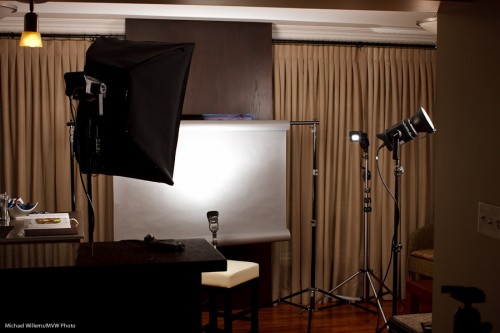
My colleague Anita and I used strobes, backdrops, and Canon cameras: 40D, a 7D and a 1D Mark IV. A few interesting observations:

  • The 7D produced the same crisp wonderful images as the 1D Mark IV. The 40D was not far behind. Sharp… amazing. Of course we were using all “L” lenses.
  • We both loved the 7D’s feel, ergonomics, even shutter sound.
  • I left the 1Ds MarkIII in the bag. With the 16/17 Megapixels of the 1D and 7D, who needs more?
  • The sharp display on the back of the 7D/1D4 really helps. And that is important: some images were slightly soft (ever so slightly – not that you would see even in a 8×10 print). Almost certainly due to me moving: I was using the cameras handheld.
  • The 1D4’s metering is a bit “enthusiastic”, as dpreview calls it. But on manual, with all  JPG adjustments turned off, this did not matter.
  • Excellent colour out of the box (shooting RAW, importing into Lightroom, WB set to “Flash” on camera to give LR a good starting point).

The 1D is the pro workhorse, of course, and it performed great (redundant memory card included!), but I must say, the 7D was a real pleasure to use. Especially at low ISO (100-400, say), I see no reason not to use it for pro studio work.

Tagged with: ,

Click. Shhhh!

Posted in Business, Learning, Technique by Michael Willems on February 3, 2010

A few tips for those of you who shoot ceremonies.

Ceremonies are important to people. Whether this is a graduation, a wedding, a signing of some sort: there will often be a hushed silence.

A silence you do not want to disturb. So today’s tips are about blending in and behaving appropriately at such venues.

  • First, dress in a non-conspicuous way. You do not want to be the centre of attention.
  • Ask the person in charge what you can do. Can you walk around? Use flash? Click away?
  • Ask if flash is allowed
  • If it is, bounce that flash rather than use direct light.
  • If it is not, you may still be allowed to use the focus assist on your camera’s flash. That’s the little red line pattern your flash can cast to help focus, and you can use this even when the actual flash function is disabled.
  • Turn off your camera’s focus beep.
  • If you have a Nikon SB-900 flash, turn off the “overheating” beep.
  • If you use off-camera flash, ditto: disable the beeps (notably on Nikon flashes)
  • Use a camera with a quiet shutter. I will grab my 7D if I want a quieter shutter sound. Some people even wrap their cameras. If you have a pro body such as a Canon 1D or 1ds, select the “Silent” shutter mode.
  • Use a longer lens and shoot from farther away.

By using these common-sense precautions, you can give yourself and all other photographers a good name.

Tagged with: ,

That look over the shoulder

Posted in Picture of the day by Michael Willems on January 25, 2010

One common sexy model look is the “look over the shoulder”.

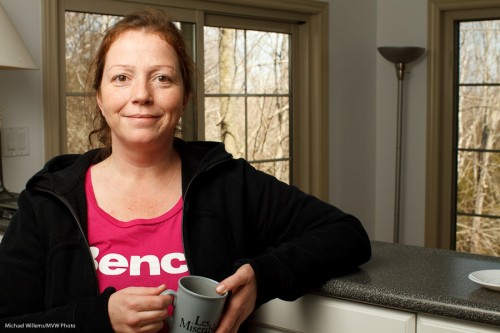
Like here, in this shot of Nemo, a somewhat Rubenesque but nevertheless pretty model:

In an “over the shoulder” pose women can look over either shoulder, but for men, if the shoulders are angled, avoid them looking over the higher shoulder. This is a feminine look.

As so often with available light portraits, in the shot above I used my Canon 7D with:

  • a 50mm lens, which on the 7D crop camera is really equivalent to 80mm
  • 2000 ISO (on auto ISO)
  • 1/60th at f/1.4

Yes, you can take pictures on a 7D at 2000 ISO and have them look just fine.

Bright pixels are sharp pixels, but also, bright pixels are noise-free pixels.

(And you know to focus accurately, using one focus point, aimed at the closest eye, right?)

Misc

Posted in Learning by Michael Willems on January 22, 2010

Backgrounds and sharpness and white balance: oh my!

I thought I would chat about some of the things that go through my mind when doing a portrait, like this one last night:

Questions like:

  • What camera and lens? In this case, the Canon 7D and a 50mm f/1.4 lens.
  • What settings? Well, manual at 100 ISO, 1/125th second, f/5.6 is my standard start point, as it was here.
  • What lighting setup? In this case, a standard two main lights (softbox main light on camera left, umbrella fill light on camera right) with a snooted hair light behind left, and a gridded gelled background light. Note that while the main lights were monolights, the background light was a small speedlite fired by a pocketwizard through a Flashzebra hotshoe cable.
  • What lighting ratio? In this case pretty flat, but usually more like a 3:1 key:fill ratio.
  • What body position? Usually angled, in this case toward the softbox.
  • What head position? In this case, straight on since the subject wanted it that way.
  • What colour background? In this case I used a blue-green gel from the new Honl Photo “Autumn” colour gel set.
  • What viewpoint? I carefully choose this by moving myself left and right, up and down, until the person looks best to me for the portrait wanted. If in doubt, I take multiple views and choose later.
  • What white balance? I set it to “Flash”, even when shooting RAW, just so I get OK views on the back of the camera.

That’s all there is to a quick snap like this, which took a few minutes – if that.

Tagged with: , , , , ,

Circles

Posted in Picture of the day by Michael Willems on January 12, 2010

A recent photo featuring… circles.

Technical details: Canon 7D, 1/50th second at f/5.6, 400 ISO, with an on-camera 580EX II flash bounced off the ceiling/wall behind me. Using the 16-35 f/2.8L lens.

Tagged with: ,

Red Green

Posted in Learning, Light, Technique by Michael Willems on December 18, 2009

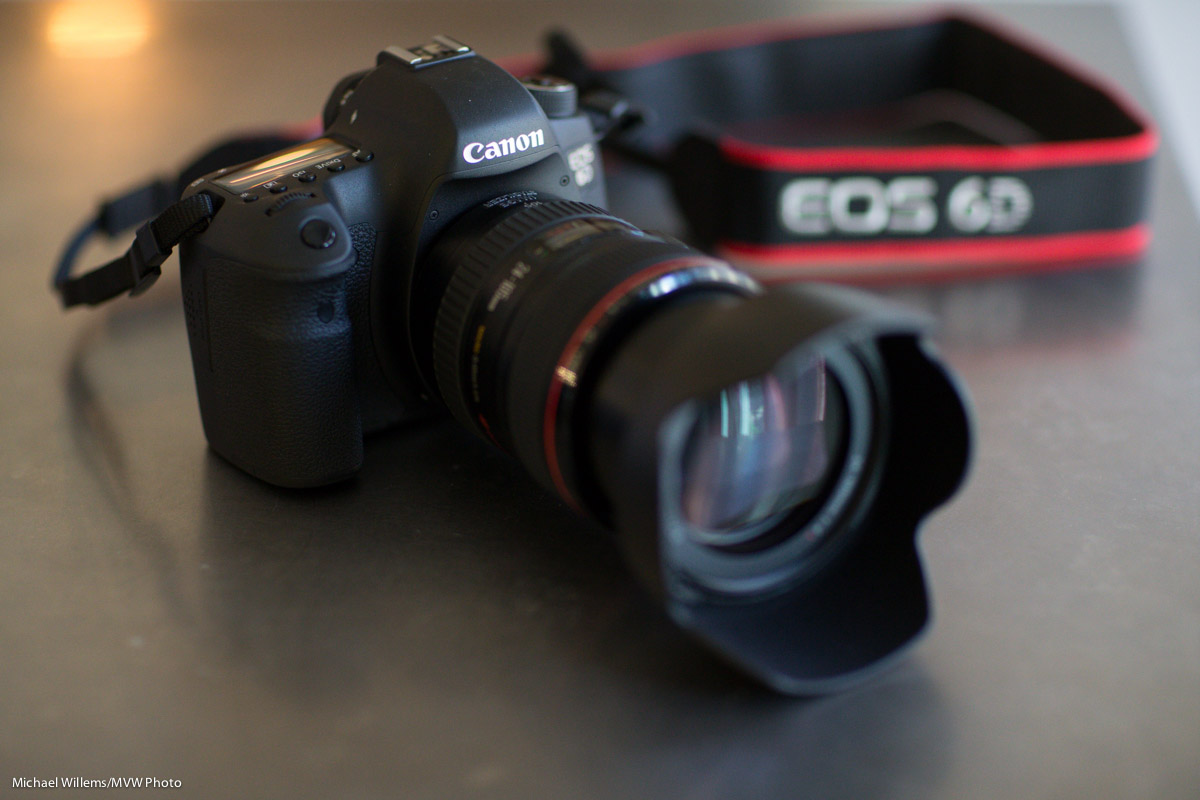
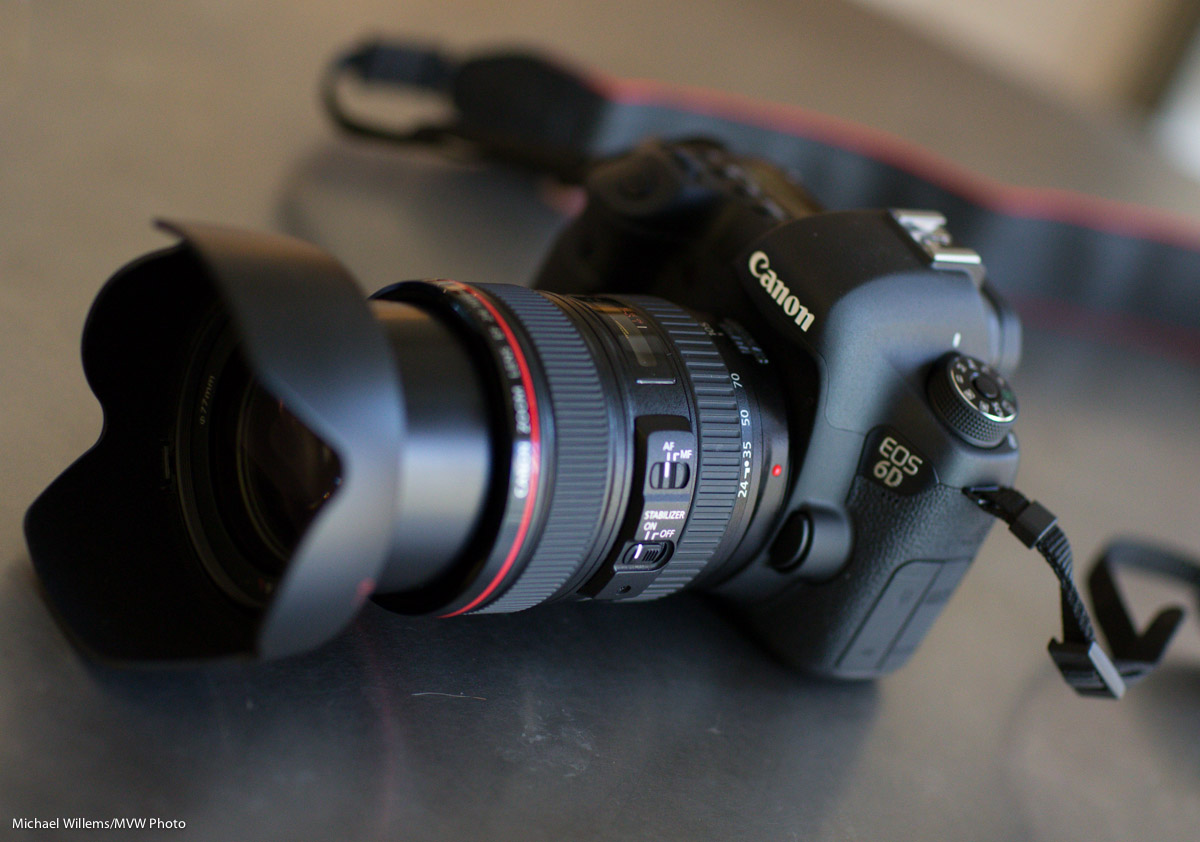
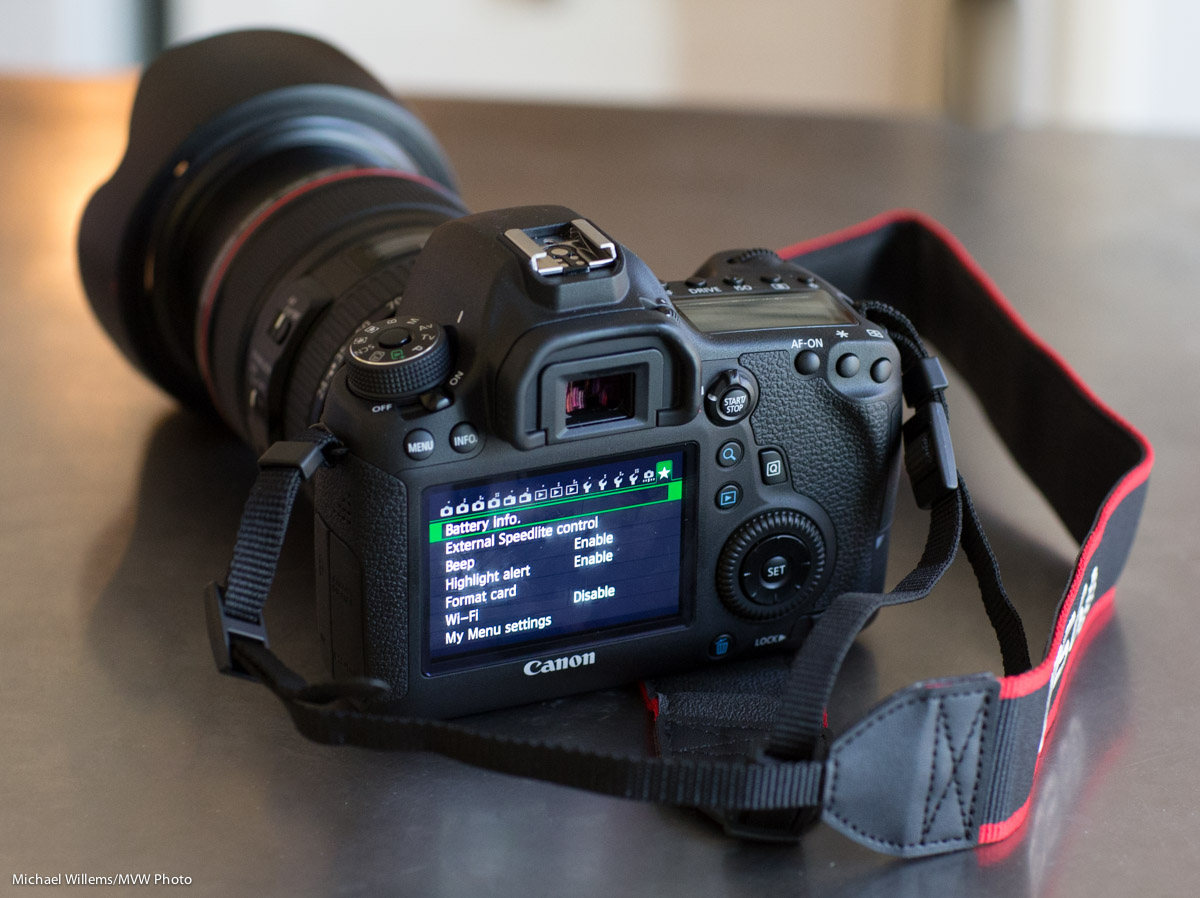
Here is my Canon 7D with a few of my speedlights (pro speak for “flashes”), pocketwizards, and cables:

Sometimes I use them for standard lighting. Sometimes I use effects -more often than not colour. Here’s four of them firing at once, with some of those excellent (try them) Honl gels:

I try to add a splash of colour every now and then. Like here in this outtake from a recent shoot (see the slight green on the subject’s left, our right?)

And I recommend that you try this, also. Recommended.

This season, think “red ” and “green”. Seasonal family pictures, but add some splashes of green and red light to the fun.

For this, I would use manual and pocketwizards. But here’s the key: I would still use TTL for the main (bounced-off-the-ceiling-behind-me) flash. So the normal flash is on the camera (or with the 7D, off the camera), while the “effect” flashes are fired with PW’s from the x-synch socket, and set manually to, say, 1/4 – 1/16th power.

That’s what is happening th that “four flashes side by side” shot above: the two left flashes are fired by the 7D’s popup flash using e-TTL, while the right two are fired by Pocketwizards that are driven by the sender PW on the camera’s x-synch contact. Yes, that works fine!

Tagged with: , ,

Aircraft image

Posted in Learning by Michael Willems on December 9, 2009

How to shoot an aircraft?

If you are a terrorist, use whatever guided weapon you have. If, however (as I assume since you are here) you are a photographer, you want to do something like this:

There are four key points:

  1. I am using a long enough lens. In this case a 70-200mm f/2.8L lens set to 200mm. Which on the Canon 7D I used is equivalent to 320mm.
  2. I am using the lens’s image stabilizer (IS), but in “mode 2″. That means I can pan – that is what mode 2 is for. If my lens does not have a mode 1/2 setting I would turn IS off, unless I intend to hold the lens still.
  3. I have shown the prop turning. Just a bit. In this case, by using 1/25oth second. This meant I needed f/5.6 at 160 ISO.
  4. I have not underexpose the sky too much. A bit of underexposure is good here, because it shows the blue. If the sky had not been blue, I would have wanted to expose more, in order to show aircraft detail. So the need is to first show aircraft detail, then if possible to expose to show a nice shy if the sky is blue.

I hope that helps and am looking forward to seeing your pictures, if you happen to live near an airport (and not be male and bearded like me).

Oh and the fifth key point? I am showing the big aircraft’s trail in the background, creating a bit of a huxtaposition.

Tagged with: ,

Filter tips

Posted in Gear, Learning, Picture of the day by Michael Willems on December 7, 2009

A quick tip, today. All about filters.

  • Yes you need them. When it starts raining, or in the snow, or in a sandstorm, you want your filter to be ruined, not your lens.
  • But they cause flare, so you do not need them on all the time. I never use my filters except in rain etc. That’s right -  normally, I use no filters.
  • And polarizing filter (“Circular Polarizers”) are great to darken the sky: so you need them. But do not leave them on. They cut the light by a couple of stops! Only put them on when using them, then remove. This is a very common error: I see it all the time.

Oh and do use your lens hoods all the time.

Here’s a polariser picture:

In other words, I slightly darkened the sky by using a polarizer. This brings back the scene to the impressive one that I felt I saw.

Have fun!

Tagged with: ,

Sedona, AZ

Posted in Picture of the day by Michael Willems on December 5, 2009

I was in Sedona, Arizona yesterday, liking the light.

I used the 7D with the 70-200 2.8L lens and the 1Ds MkIII with the 16-35 lens. And lots of exposure compensation. And flash.

And oh, I used one of these:

Tagged with: , ,

Another 7D review

Posted in Gear by Michael Willems on November 26, 2009

Scott Bourne also reviewed the 7D: here [link]

So it is noisy but otherwise good. I agree, but the noise is not a big issue unless you shoot high ISO. And the Lightroom RC makes it a bit better.

My few-words review (see 7D tag for more):

Plus:

  • Great new focus system!
  • Great video ability (1080p, 24/25/30fps) and quality.
  • Ability to assign many custom buttons.
  • Nice to drive flashes from pup-up.
  • Better WB than prior Canons.
  • Great screen at the back.
  • Strong; withstands 3ft drop onto hard concrete.

Minus:

  • Noise (but by downsizing to fewer Mpixels you reduce this)
  • Deliberately dumbed-down menus for marketing purposes (eg no ISO range setting, no “save/retrieve basic settings”)
  • Still hangs up every now and then (needs battery removed, even off does not work)
  • Slow autofocus in video/live view modes

Noise should not be overestimated as an issue. See this earlier post for a sample at 3200 ISO:

http://blog.michaelwillems.ca/2009/10/29/3200-on-a-7d/

Note – the new RC of Lightroom, with 7D support, does not reducethe noice.

Overall, a very good addition to my 1D MkIII/1Ds MkIII family.

Tagged with:

A recent cat

Posted in Picture of the day by Michael Willems on November 10, 2009

A recent Cat picture, taken with the 7D. The camera is at f/8 and 1/125th second with bounced flash.

IMG_2350

Taken with the 16-35mm f/2.8L lens at 30mm.

And view it at the larger size to see how incredibly sharp this is.


Tagged with:

Blurry backgrounds

Posted in Learning, Technique by Michael Willems on November 10, 2009

…can be achieved by setting our lenses to a low aperture value (a large aperture) like f/1.4 (if you don’t know how to do this, you could use your camera’s Portrait Mode).

But that is not the only way to get these blurry backgrounds. The effect can also be achieved or enhanced by reducing the distance between us and our close object. Because it is the relative distance between the close and the far that determines the far object’s blurriness.

So if I move my hand really close, as close as I can focus, then even at f/5.6 I can get dramatic blurring in the background. And that is what is happening here:

Canon 7D, f/5.6, 1600 ISO

Canon 7D, f/5.6, 1600 ISO

Remember that whenever you want blurred backgrounds: get close to your object, and/or zoom in on it.

Tagged with:

That dreamy look

Posted in Gear, Learning, Technique by Michael Willems on November 3, 2009

If you want portraits to have that dreamy look, use a lens with a wide aperture (a small F-number, like 2.8).

I took this picture yesterday, using a prime 35mm lens (the Canon 35mm f/1.4L) on a Canon 7D, at an aperture of f/2.5 and a shutter speed of 1/50th second.

That 35mm on a 1.6 crop factor camera is like 50mm on a traditional full frame camera. So it’s a “Nifty Fifty”.

A that focal length, I was able to go quite close to Mr Pumpkin without much distortion, as you can see.

IMG_2199

That gives you a very nice look. The close proximity combined with the f/2.5 aperture gives me nice soft bokeh (the creamy quality of the background blur). Even the back of the head is soft.

Beautiful: reason for a smile.

Tagged with: ,

My evening:

Posted in Gear, Picture of the day by Michael Willems on November 2, 2009

Almost 2 hours from Toronto to Mississauga!

IMG_2201

IMG_2206

1000 ISO at f/2.8 and 1/60th sec on a 35mm f/1.4L lens on the Canon 7D.

To see how cool and sharp these are, view them at the larger size.


Tagged with: